Teach Axle
how you build.

Axle Keys is a shared workshop for you and the AI agents working beside you. Describe what you want to make, and Axle turns it into a configurable 3D model you can refine and prepare for the real world.

As you work, your agents learn how you prefer to build. Axle remembers those choices, so every project begins further ahead than the last.

Invitation only while in beta — apply for access

Open Studio →
This configurator was built entirely in Axle Keys with ChatGPT. Prompt: “Create a planter box 48″ long × 24″ wide from 1×6 and 1×4 wood.”

01Describe or import

Chat what you want to make, or bring sketches, specs, and existing files. Axle plans the model and builds it.

02Build and inspect

Axle builds a real 3D model, not a flat picture — turn it around, measure it, and check it against exactly what you asked for.

03Correct and refine

Change sizes, counts, and options, and fix what's off. You're adjusting values, not dragging shapes around by hand — so a tweak can't quietly break a joint.

Axle Keys Studio

One workspace, from
idea to buildable model.

Describe or import what you want, let Axle plan and build it, then inspect and refine — every stage on the same model, in one place.

The knowledge
is the product.

A System gives you the structure — the parts, rules, and constraints of a way of building. What you teach Axle on top of it is the part that's hard to copy: how you build. Anyone can generate a shape; that's the commodity.

● Rules you write

Teach it once.

Set the preferences a System doesn't know on its own — the materials you spec, the tolerances that matter, the conventions you always follow. They load at the start of every session, so Axle begins where you'd begin.

● Corrections that stick

Say it once, not every time.

When you correct something, Axle records the lesson and carries it into the models that follow — instead of making you catch the same thing again next week.

● Yours

It stays with you.

Your rules and lessons belong to your account, not to someone else's model. It's the part of the work that compounds — your System gets sharper every time you use it.

One model,
many outputs.

A finished Axle model isn't the end of the line — it's the starting point for everything you need to sell it, build it, and show it.

● Configure & embed

Sell it configured.

Expose the dimensions that matter, lock the ones that don't, and drop a live 3D configurator on your own site. It runs on the visitor's device — no AI at runtime, no per-view cost.

● Fabrication files

Ready for the shop.

Break the model into parts with real materials, cut lists, and dimensioned drawings — the output a shop builds from, not just a render.

● Motion & video

Watch it come together.

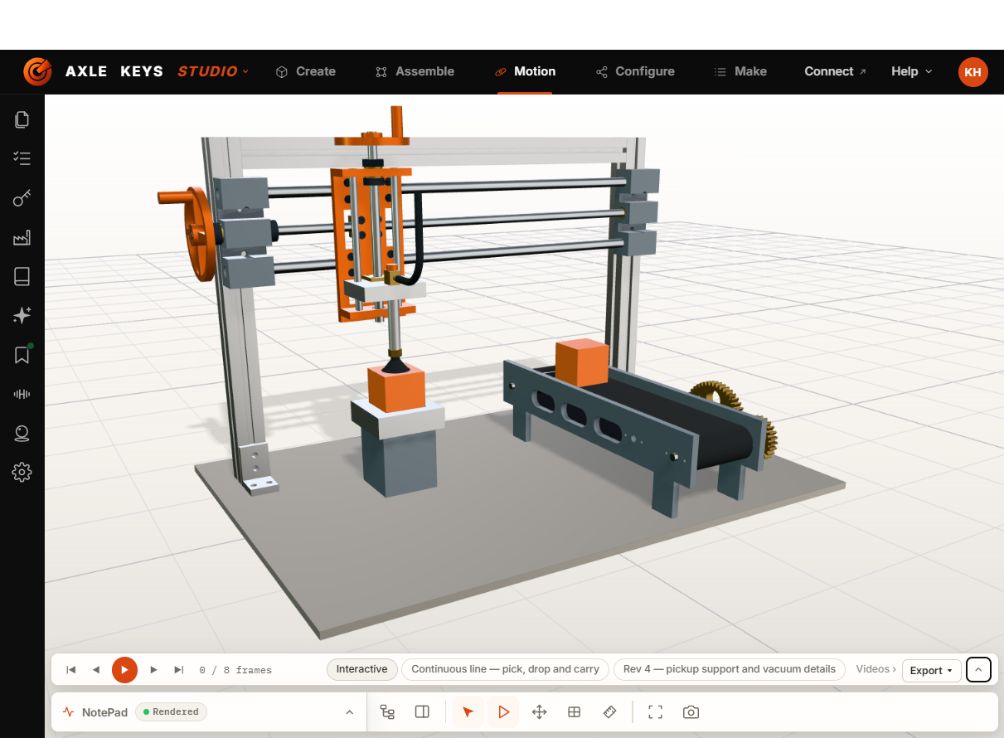
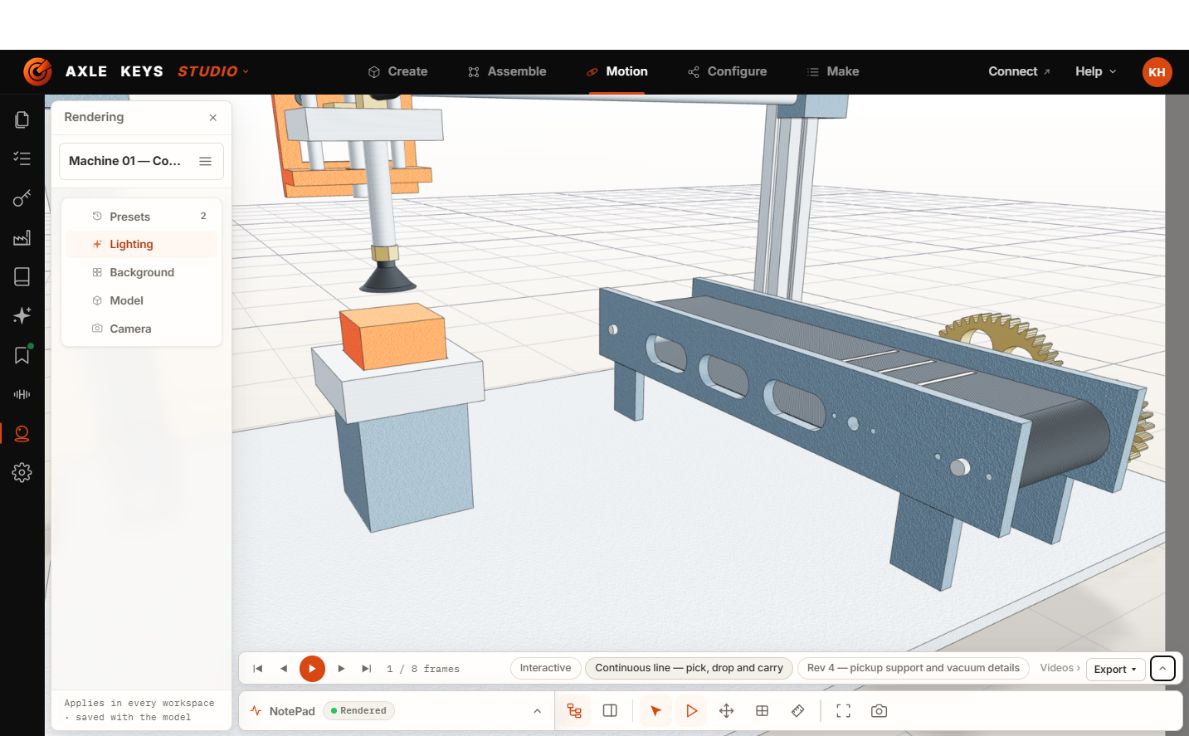
Turn the same model into an assembly animation or a marketing video — no second tool, no re-modelling.

Built for people who
know how things are made.

Tradespeople, designers, fabricators — anyone who knows what they want to build, with or without CAD. And the agents working beside them: every action in Axle is a tool call, so a person works visually while an agent works through the same controlled tools — visible, reversible, and bound to the rules of the object.

● MCP & API

Discoverable by any agent.

Any Claude, GPT, or compatible agent finds Axle's tools over MCP automatically — no custom integration required.

● Structured action

Agents don't guess in the dark.

An agent reads the project, drafts a change, and checks it against the project's own rules — then waits for your review before anything goes live.

● Versioned & reversible

Every change is accountable.

Actions carry validation and version history. Nothing happens that you can't see, review, or roll back.

Start with
one object.

Describe or import the first thing you'd build, and teach Axle how you'd build it. Everything you teach it along the way stays yours.

Open Studio →

Don't have an access code yet? Join the list. We're admitting Keyholders in small releases while the product is proven on real work — you'll hear when the next one opens, plus what we're building along the way.