Studio
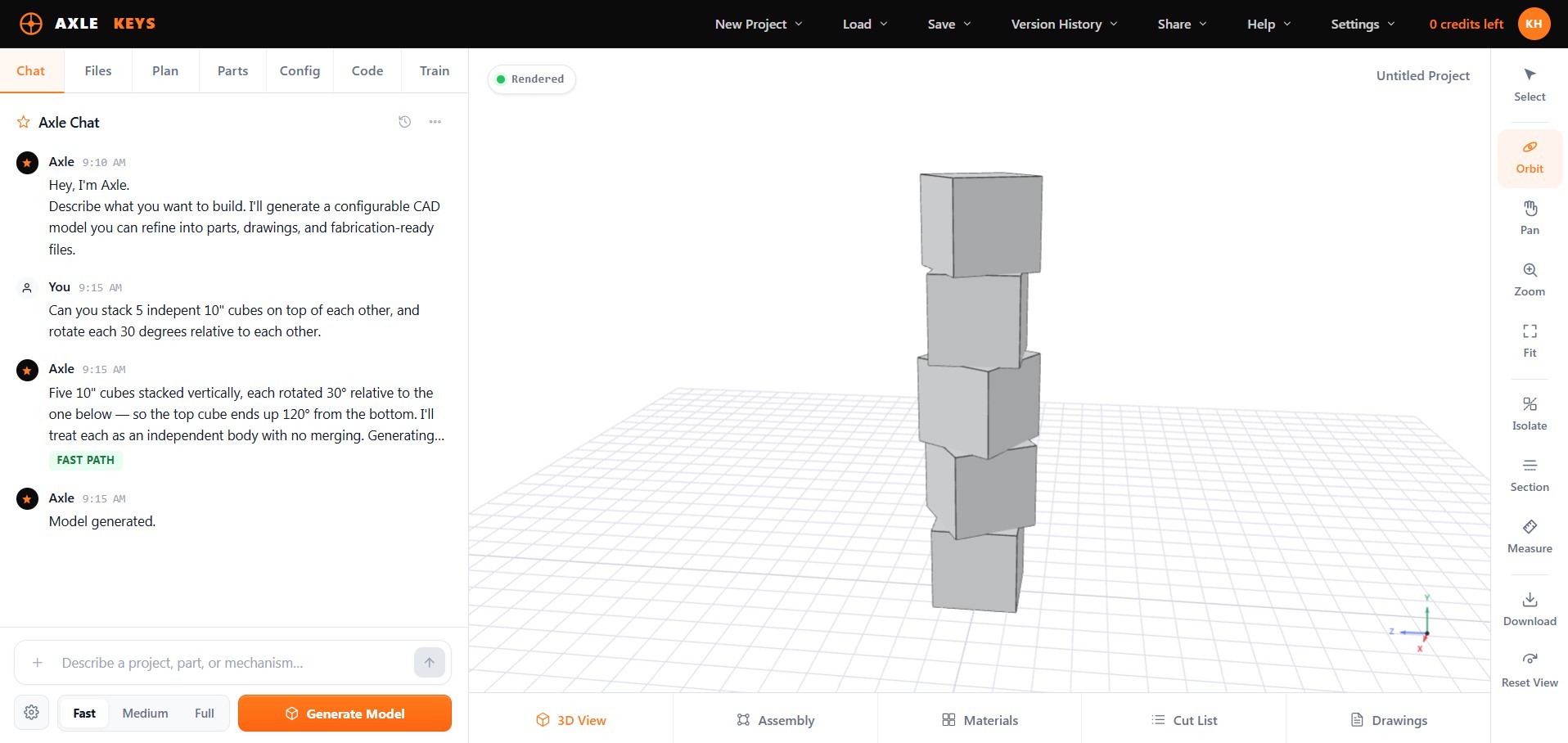
The private workspace where models are created, imported, configured, reviewed, and repaired. Choose a System, bring in files, generate or edit models, expose parameters, inspect parts, and validate changes.
Open Studio → AXLEKEYSBETA
A web Studio for creating configurable models of physical objects. Start with a System, describe or import what you want to make, edit the dimensions that matter, and move it toward output. Not just prompt-to-CAD.
"Teach me how you build — and I'll make sure every machine that comes after you knows what you know."
— Axle, AI Craftsman
Axle Keys is organized around three connected spaces. They are not separate products — they are the lifecycle of a buildable object.
The private workspace where models are created, imported, configured, reviewed, and repaired. Choose a System, bring in files, generate or edit models, expose parameters, inspect parts, and validate changes.
Open Studio →The public space for configurable models — shown, studied, shared, opened in Studio, and eventually remixed. The object becomes the conversation.
Open Exhibition →The public product-line space for shops, makers, designers, and businesses — where configurable models become customer-facing products and interactive offerings.
Open Showroom →Choose a System, describe or import what you want, let Axle plan the model, then edit, inspect, and prepare the result for output — all inside one connected Studio.
Tell Axle what you want to make, or ask it to change the model you already have.
Prompt → intentUpload sketches, drawings, specs, notes, references, scripts, or existing 3D files.
Files → understandingAxle selects the smallest reliable agent stack and maps the modeling approach before it runs.
Agents → planChange dimensions, counts, angles, spacing, and options without starting over.
Controls → updateBreak the model into selectable parts with dimensions, materials, notes, cut lists, and drawings.
Geometry → fabricationRun, repair, and train the parametric code that generates the model.
Code → reusable rulesAxle Keys is for professionals, the curious, businesses, and agents. Each enters from a different place — but they all meet around the same structured object.
Turn repeated building knowledge into reusable Systems. A cabinetmaker shouldn't have to explain the same construction rules every time; a fabricator shouldn't rebuild the same frame from scratch. Expertise gets a new form.
Start with intent, not CAD expertise. You may not know the software, file formats, or modeling commands yet — but you know what you want to build. Explore objects through Systems and guided configuration.
Turn product knowledge into customer-facing configurators. Create a model once, expose the right options, place it in a Showroom, and let customers explore within boundaries you control. The sales conversation starts further along.
Work with tools, context, permissions, validation, and version history. An agent reads the project, drafts a change, validates it, and waits for review — instead of guessing in the dark.
A person works visually in Studio. An agent works through controlled tools. Either way the work stays visible, reversible, and bound to the rules of the object: read, draft, validate, promote, review, export.
Any Claude, GPT, or compatible agent finds Axle's tools over MCP and REST automatically — no custom integration required.
An agent reads the project, drafts a change, and validates it against the System's rules — then waits for review before anything is promoted.
Studio is the human doorway. The next layer runs CAD jobs, validations, exports, and repairs server-side — without someone staring at a screen.
One email, weekly. Maker content, configurator drops, early access. The community we build now is the first to ship to.
Or open the Studio now →